Cameras can be a useful part of a security plan because they help teams observe selected areas and review recorded events. They do not prevent every incident, replace guards or remove the need for clear procedures. Their value depends on the site, the camera placement, image quality, retention arrangements and the people responsible for reviewing what is recorded.
Before choosing equipment, it helps to distinguish between fixed surveillance cameras and wearable recording cameras. They can support different operational questions and should not be treated as interchangeable.
Fixed surveillance cameras and wearable recording cameras
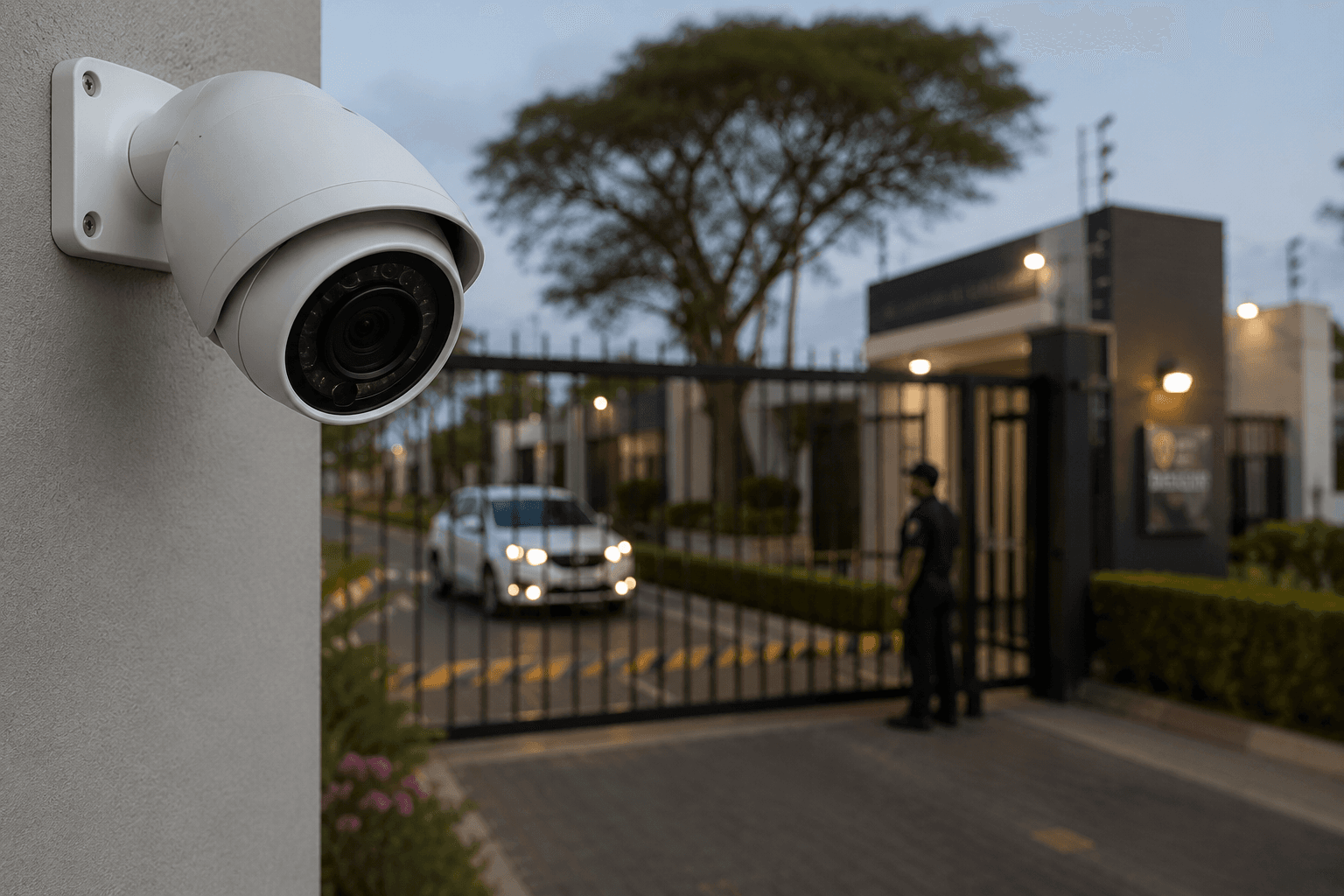
Fixed surveillance cameras are normally positioned to observe a defined area, such as an entrance, perimeter, parking area or shared space. A site may use them to provide a view of activity within the camera's field of view and to retain footage for later review, subject to the system and its operating arrangements.
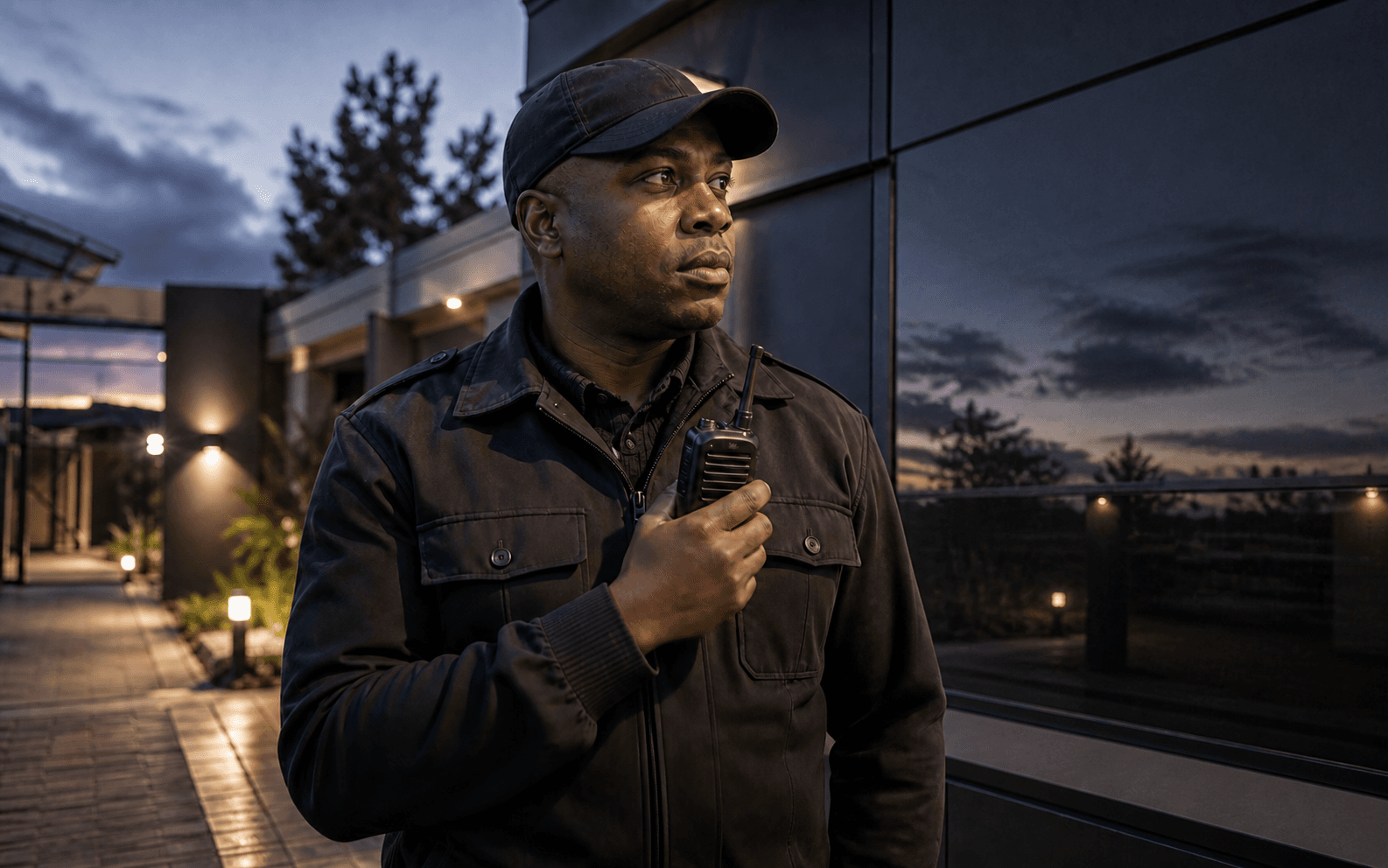
Wearable cameras are carried by a person. They can record a guard's patrol, an interaction or an incident from the wearer's position. That makes them relevant to a different kind of operational record, especially where a security team wants to review what was recorded during a particular duty or interaction.
Neither type of camera creates a complete account of every event. A recording can be affected by placement, lighting, angle, obstruction, configuration and whether the device was operating at the relevant time.
Start with the question the camera should help answer
A practical camera plan begins with a specific purpose. For example, a team may need to understand activity at a particular entrance, review incidents in a shared area, or create a record of a guard's patrol or interaction. The purpose should guide where cameras are placed, when they operate, who can access footage and how the operation will respond when something requires attention.
This approach avoids treating camera coverage as a substitute for site design, guard procedures or communication. It also helps a business avoid collecting footage that nobody has a clear reason or process to review.
Good camera use depends on practical setup
For fixed cameras, teams should consider the field of view, lighting, likely obstructions, weather exposure where relevant and whether the camera is positioned to capture the activity that matters. A plan should also consider recording availability, storage arrangements, access to footage and how equipment will be checked and maintained.
For wearable cameras, the procedure should explain when the device is worn, how recordings are started or reviewed, how it is charged and stored, and who is responsible for the equipment. Users need training that reflects the actual setting and the organisation's policies.
Testing the setup in the real environment is important. A camera placed to cover a doorway, for example, may not provide a useful view if lighting changes, a vehicle blocks the view or an incident occurs outside the intended area.
Onguard Body Cameras are recording devices
Onguard's Body Cameras are compact wearable devices for recording video and audio during patrols, incidents and operational interactions for later review. The current product includes GPS location information, an SOS button, infrared capability for low-light visibility, Wi-Fi connectivity, an Android operating system and an IP67 waterproof rating.
The Body Camera is a recording-only product. It does not provide push-to-talk, remote live viewing or live video streaming. Its current monthly rental is R299 excluding VAT; confirm availability and applicable terms with Onguard before making a procurement decision.
These features may provide useful context around a recording, but they do not guarantee that every event is captured or determine how an operation should respond to an incident. A team still needs a clear process for using and reviewing recorded information.
Recording is only useful when the review process is clear
Recording creates information that may be useful after an event, handover or patrol. To make it operationally useful, an organisation should decide who can review recordings, what they should look for, how the review is documented and when issues need escalation.
The same principle applies to fixed cameras and wearable devices. A camera may provide one source of information, while guard notes, patrol records and supervisor observations may provide other context. Teams should avoid assuming that one recording answers every question about an incident.
Cameras and patrol-management technology serve different roles
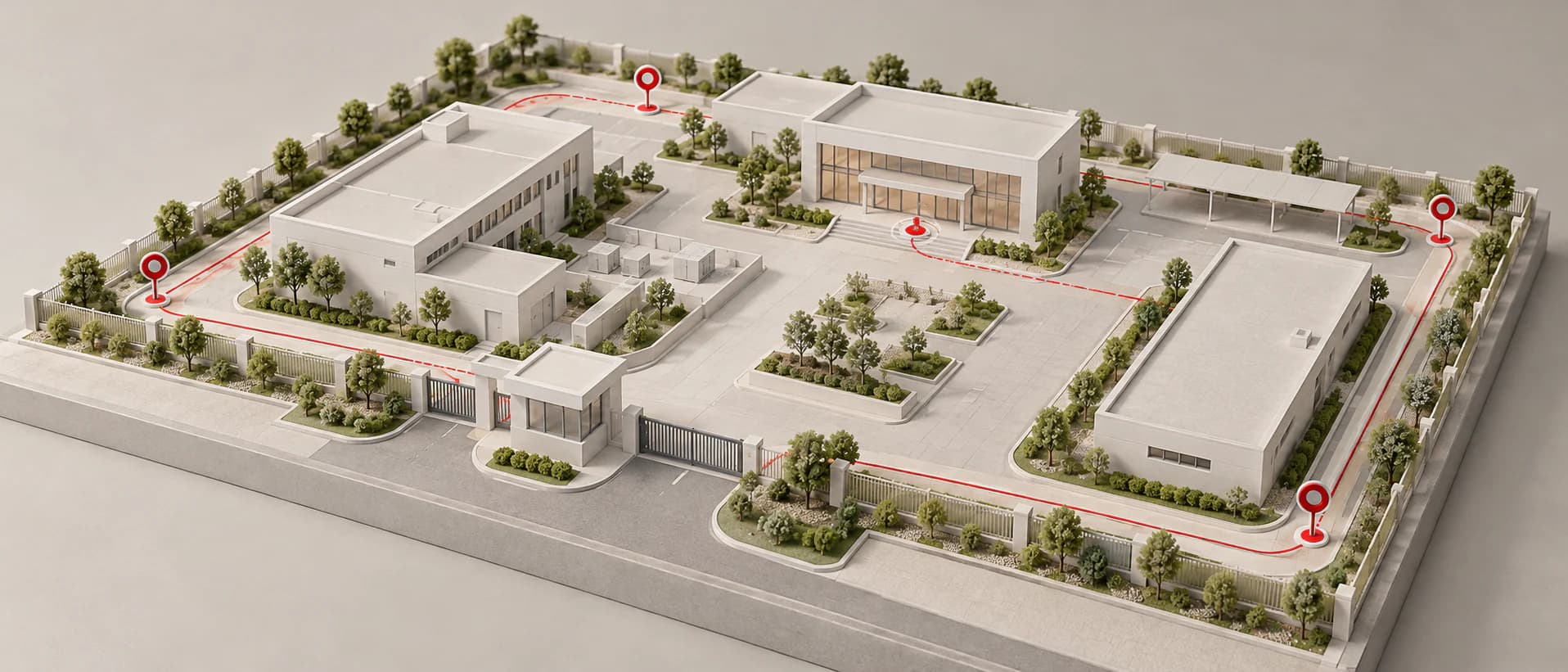
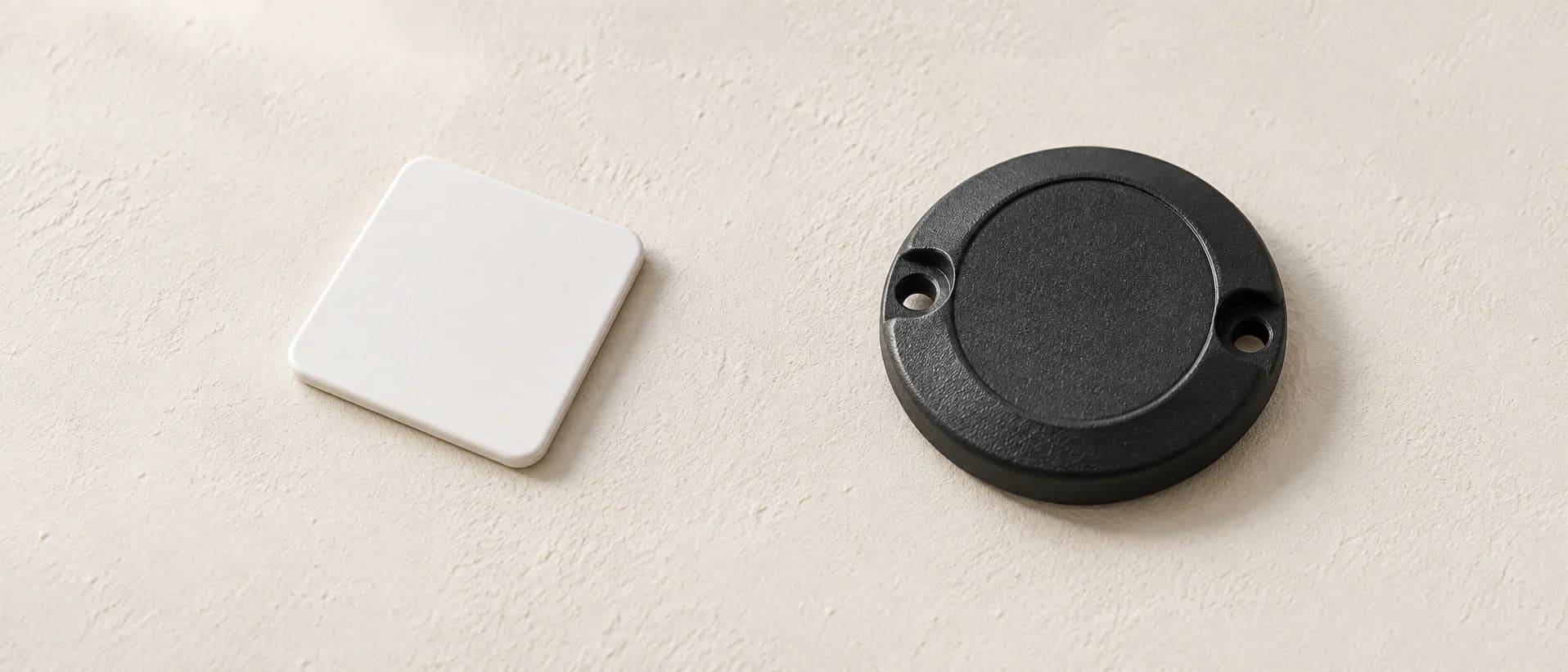
Camera records are not the same as patrol verification. A patrol point can create a record that a configured RFID or NFC checkpoint was scanned, while a camera records video or audio according to its configuration and use. Communication tools, rostering and alertness prompts also address separate operational needs.
For a wider view of how patrol verification, communications, records and wearable recording can fit into an operation, see Patrol Management Software South Africa. The right combination depends on the site, the patrol procedure and the information supervisors need to review.
Questions to ask before adding cameras
Before expanding a camera setup, ask:
- What specific area, activity or interaction should the camera help the team review?
- Is a fixed view or a wearable recording more appropriate for that purpose?
- What lighting, angle, storage and maintenance considerations apply?
- Who can access recordings, and what is the review procedure?
- How will guards and supervisors use the information alongside patrol records and incident procedures?
- What training and policy guidance do users need?
A camera plan is strongest when it supports a clearly defined operational process rather than promising complete visibility or automatic prevention. To discuss Onguard Body Cameras or current patrol-management requirements, contact Onguard.