Security work depends on people making informed decisions in changing conditions. Technology does not remove the need for professional judgement, supervision or clear procedures. It can, however, reduce avoidable errors by making routine tasks more consistent, recording selected events and helping supervisors identify exceptions that need attention.
For a guarding operation, the useful question is not whether technology can replace people. It is whether the chosen tools help guards and supervisors carry out the work that the site requires.
Where avoidable errors can occur
Errors can arise when routine work relies only on memory, informal verbal updates or incomplete paper records. A guard may miss a checkpoint, a supervisor may not see an exception promptly, or a handover may lack enough information for the next shift to understand what was recorded.
These are operational challenges, not proof that a person has acted carelessly. Workload, training, site conditions, communication coverage and the clarity of the procedure all affect how consistently a task can be completed. A sensible technology choice starts with the specific point in the workflow that needs better structure.
Structured patrol verification creates a clearer record
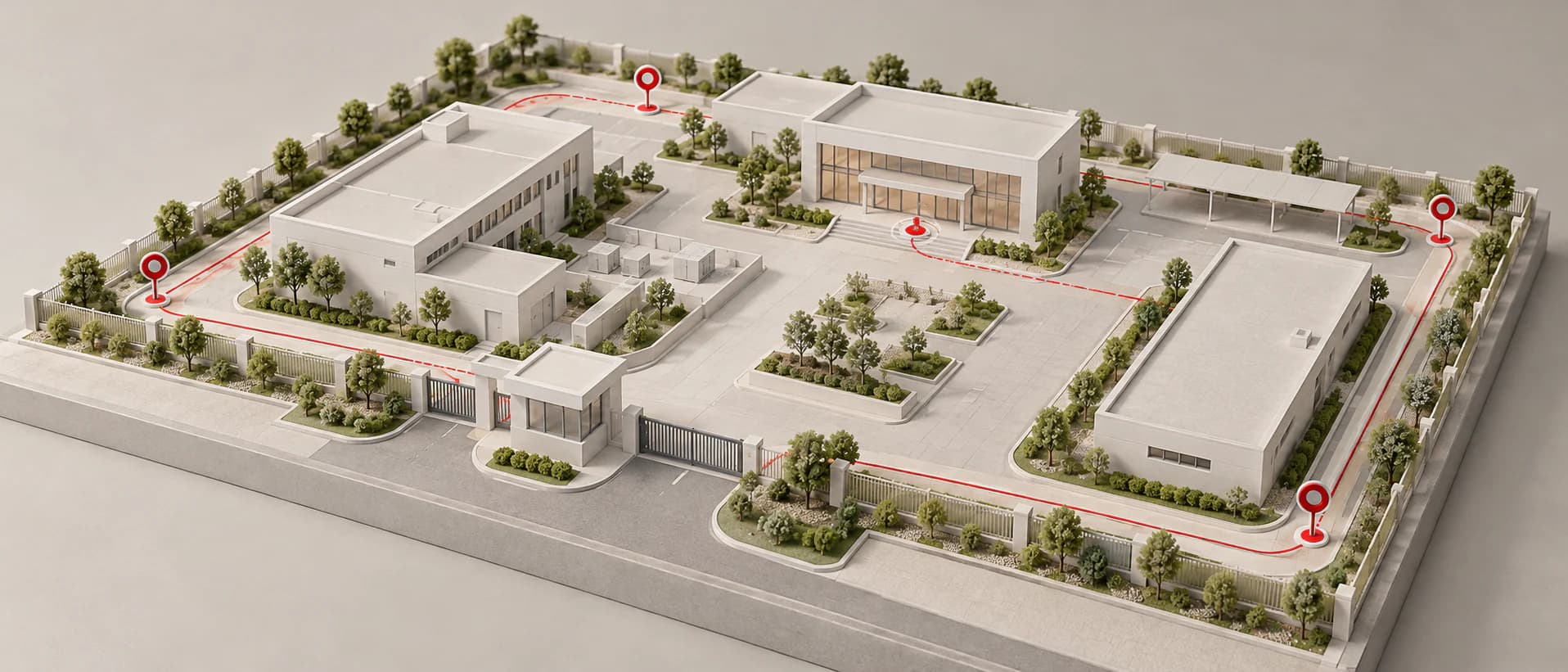
Patrol verification can give a team a consistent way to record that a configured checkpoint was scanned. Onguard's MKIII Patrol Reader uses RFID patrol points for structured guard-tour operations. The OG-66 Patrol Radio uses NFC patrol points, where a scan can record the device, checkpoint, date and time for review against a configured route.
That record can help a supervisor review patrol activity after the fact and identify missed or unusual events where the system is configured to do so. It does not establish every detail of what happened at a site, and it should not replace a guard's observation or incident-reporting procedure.
Communication supports, but does not replace, a procedure
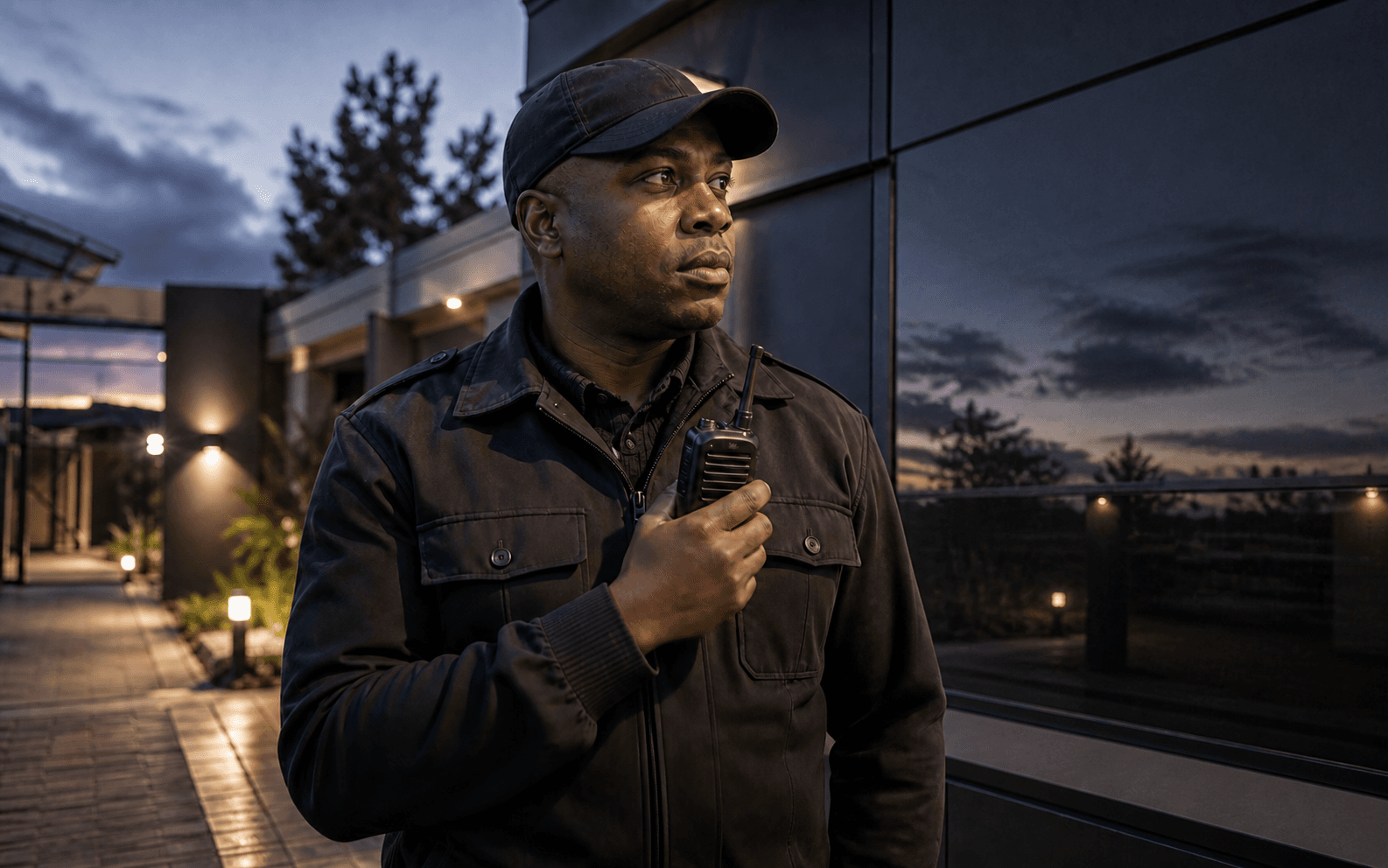
Security teams often need a practical way for guards, supervisors and control-room staff to share updates. The OG-66 supports cellular push-to-talk where supported network connectivity is available. This can support direct operational communication, but availability still depends on mobile coverage and local conditions.
Communication is most useful when the operation has agreed what should be reported, who receives it and what happens next. A voice update is not patrol verification, and a patrol record is not a substitute for communication. Keeping those functions distinct helps the team understand what each record can and cannot show.
For a comparison of PTT communication, patrol verification and related tools, see the Best PTT Radio and Patrol Tech guide.
Scheduled acknowledgements can surface exceptions
Some posts need an agreed way to check whether a guard has responded to a scheduled prompt. Stay Awake is a standalone guard alertness-monitoring device that uses scheduled prompts and guard acknowledgement. A missed response can create an alert for operational follow-up. The same Stay Awake functionality is also available on the OG-66.
A successful acknowledgement does not demonstrate continuous alertness, and a missed response does not by itself prove an emergency. Its value is that it can draw attention to an exception so that the people responsible can follow their own response procedure.
Reporting gives supervisors information to review
Technology can make operational records easier to review when the right data is captured and the right people have access to it. On connected OG-66 workflows, controllers can review device signals, configured alerts, patrol completions, battery state and online or offline status through the monitoring interface. Attendance activity can also be reviewed through the platform.
Reports and records are useful only when someone knows what to do with them. A supervisor still needs to distinguish a normal event from an issue that needs follow-up, speak to the relevant people and decide whether a procedure or training needs adjustment.
Rostering and patrol activity answer different questions
Planning a shift is not the same as recording work during it. Onguard Guard Rostering is a web-based staff-scheduling module that helps teams organise shifts across locations and review duplicate assignments, overtime and available relief staff. Patrol-management tools focus on routes, checkpoints, alerts and records created during the shift.
Using both types of information can make a handover or review more structured, but neither guarantees that a shift will run exactly as planned. Staffing decisions, site changes and supervisor judgement remain important.
Automation should support human judgement
The best operational use of technology is usually selective. A system can prompt a routine action, record a checkpoint scan, notify authorised users about a configured alert or make reports available. People still decide how to respond to a site condition, how to investigate an exception and when to change the procedure.
Before introducing a new tool, teams should test it in the actual environment, give users practical training and make sure the workflow is understood by guards, supervisors and control-room staff. This helps prevent technology from adding another disconnected process to an already busy shift.
Questions to ask when reviewing security technology
When reviewing a patrol-management setup, ask:
- Which task needs more structure or a clearer record?
- What evidence does a patrol point, acknowledgement or alert actually create?
- What happens when connectivity is poor or a device is offline?
- Who reviews exceptions, and what action can they take?
- How do communication, patrol verification and staff scheduling fit together?
- What training, testing and ongoing support will users need?
The Patrol Management Software South Africa guide explains how patrol verification, communication, alertness monitoring, rostering and reporting can be evaluated as separate but related operational needs. For help discussing a suitable current setup, contact Onguard.